Pick a place
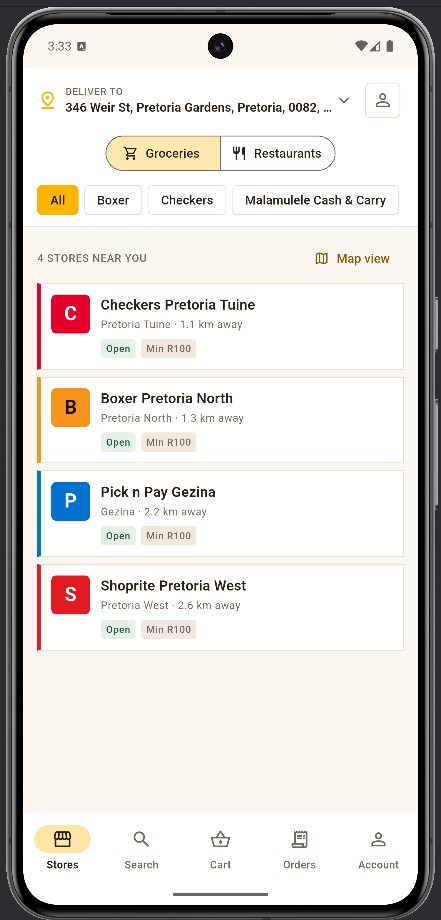
Browse nearby supermarkets and restaurants. Fill your basket, choose sizes and extras, and see the exact total before you pay.
Groceries and restaurant food, delivered. Pick a nearby store or restaurant, fill a basket, pay the exact total once, and a driver brings it over.
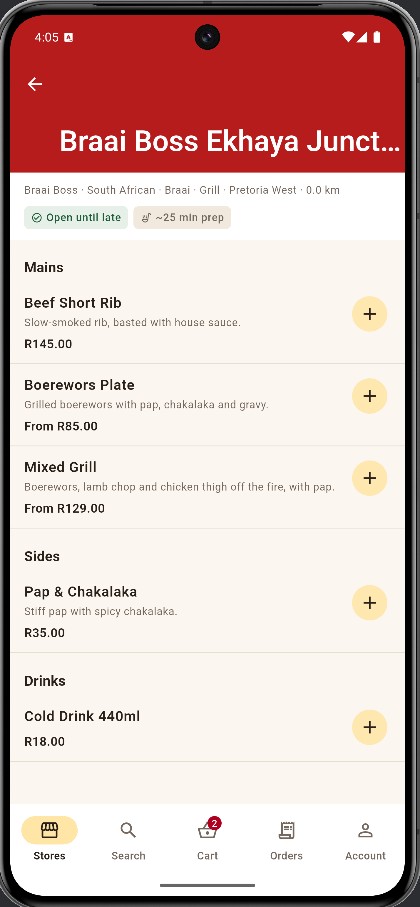
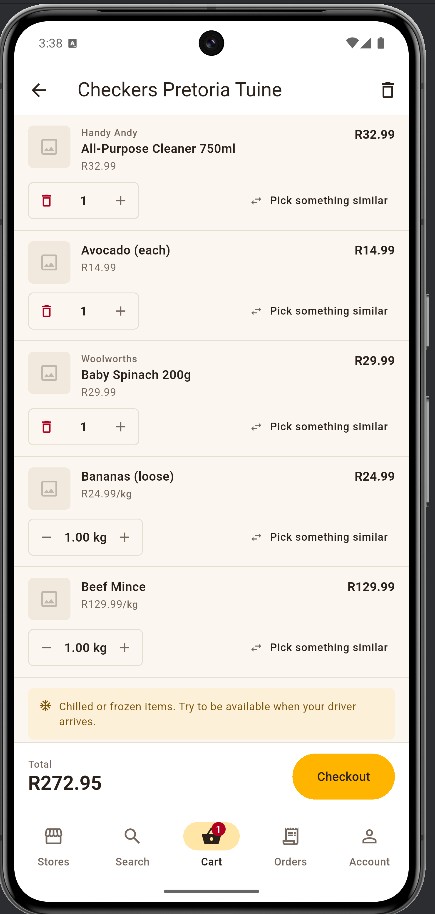
Browse nearby supermarkets and restaurants. Fill your basket, choose sizes and extras, and see the exact total before you pay.
One charge for the exact total, on Paystack’s secure payment page. If a price changed since you started, you see the new number first.
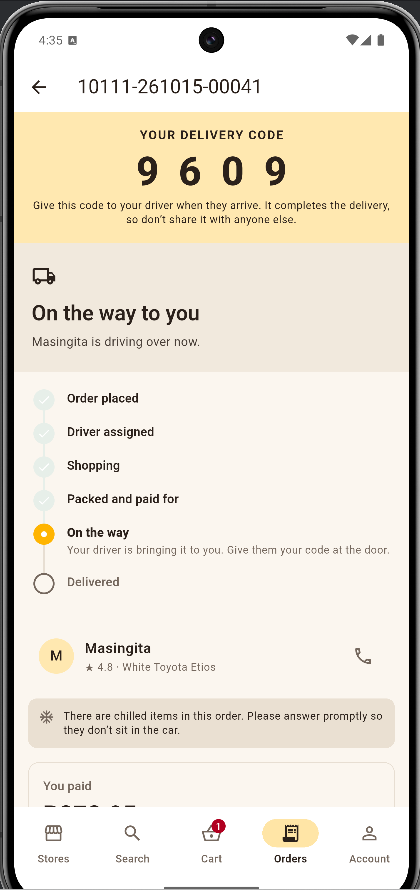
Track every step. At the door, read your 4-digit code to the driver. That completes the delivery.
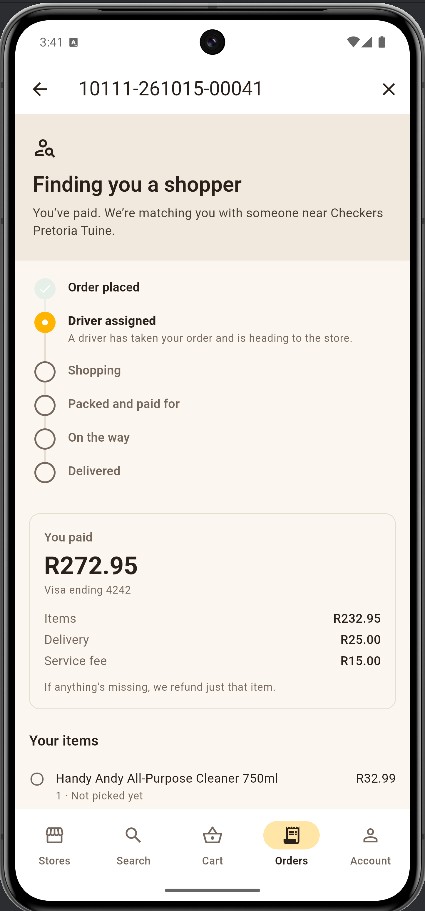
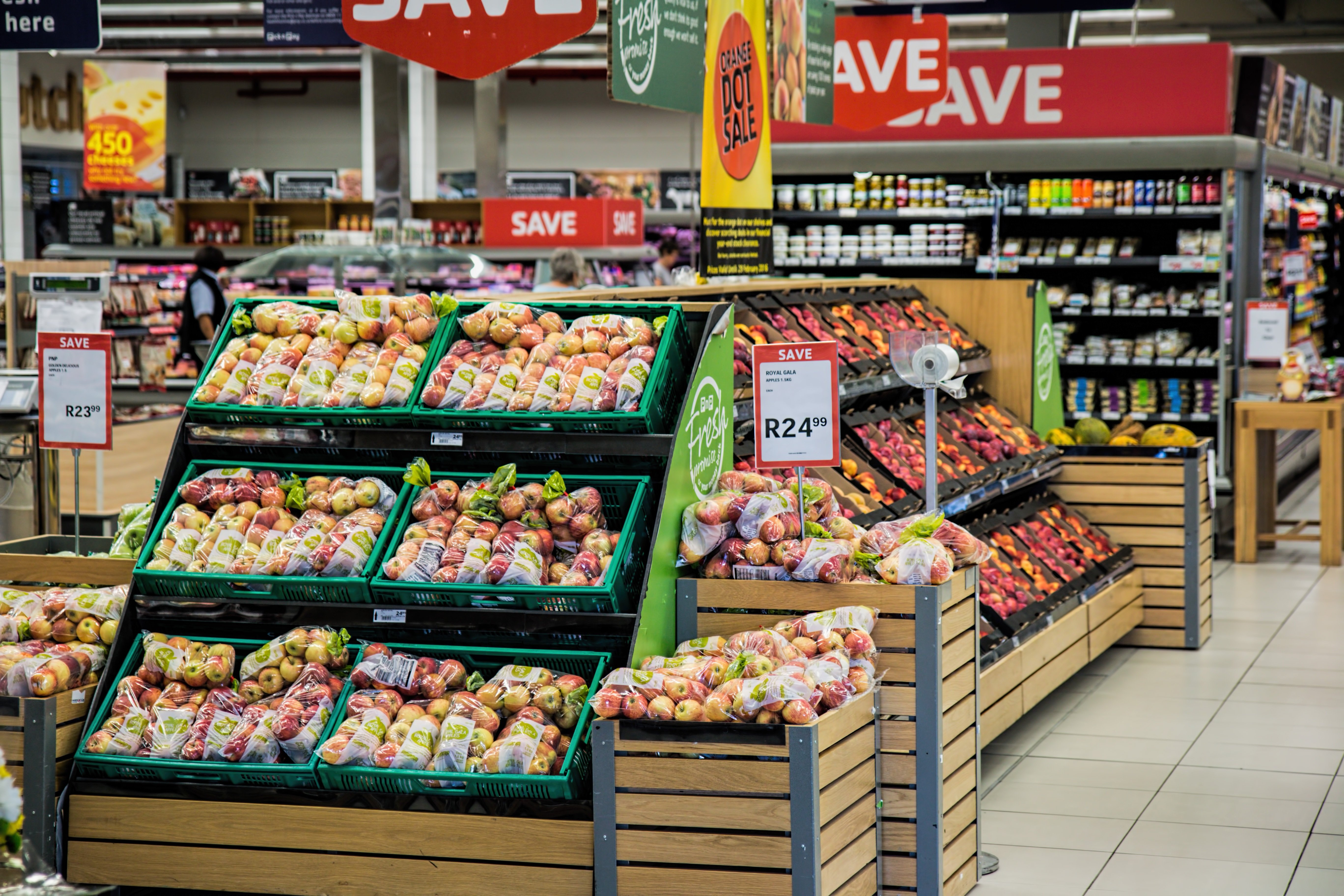
Your shopper picks your items in store. If something isn’t on the shelf, you decide what happens: swap it or take a refund. Items sold by weight are priced per kg.
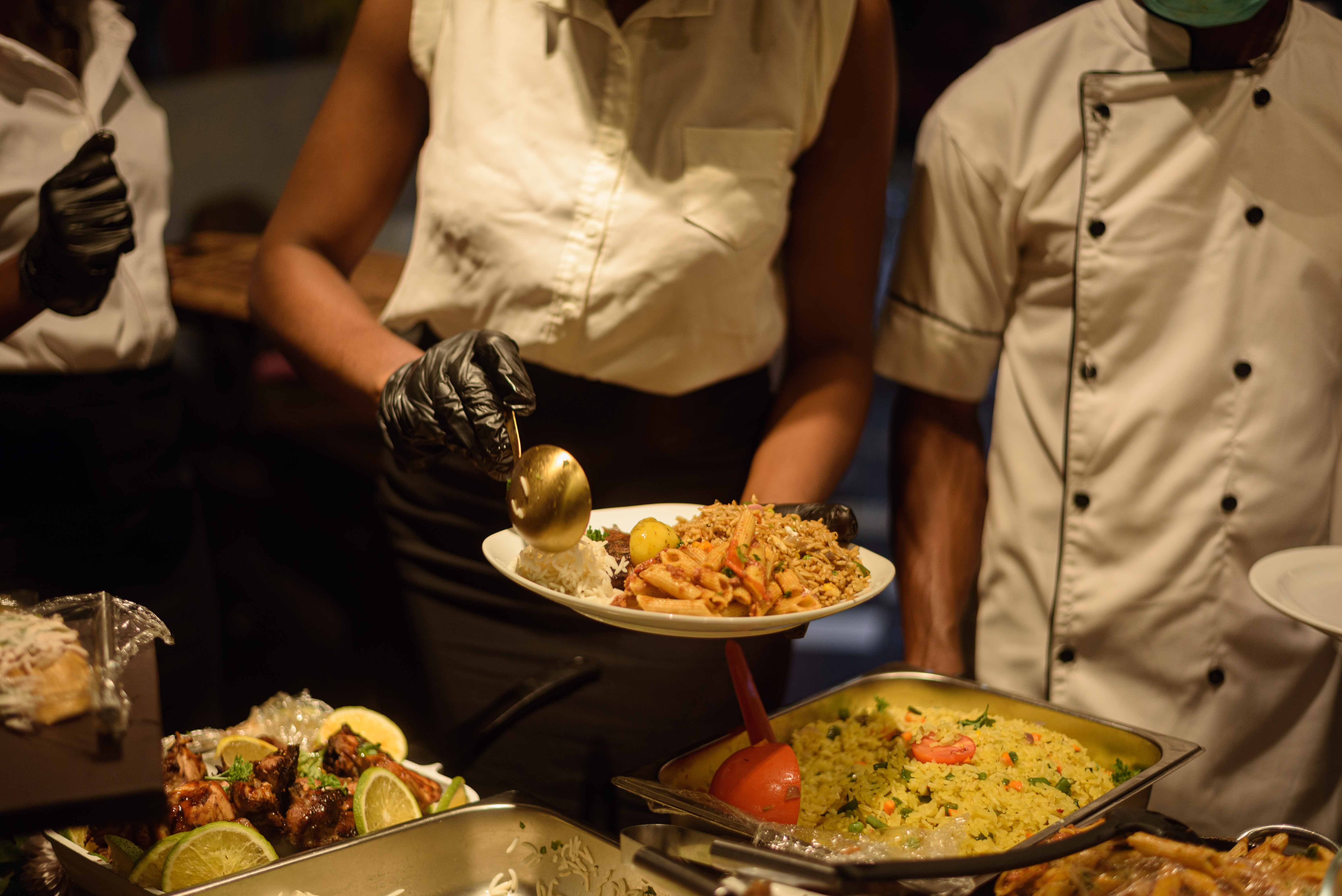
Choose sizes and extras, then the restaurant confirms your whole order. If it can’t, you’re refunded in full. A driver is sent once the kitchen accepts.
The price in the app is the price you pay. The total never moves after payment.
If something is missing or swapped for a cheaper item, you get the difference back.
Cancel until a shopper starts, or until the restaurant accepts your order.
No photos or signatures. Your code is the proof the order reached you.
Flat pricing means we carry the price risk, not you. When a shopper finds something different on the shelf, the rule only ever runs one way. Read the full policy →
| What the shopper finds | You are refunded |
|---|---|
| Exactly what you ordered | Nothing |
| More (the pack weighs more) | Nothing — we absorb it |
| Less | The missing share |
| Nothing | The whole line |
| A cheaper substitute | The difference |
| A dearer substitute | Nothing — we absorb it, up to a cap per line |
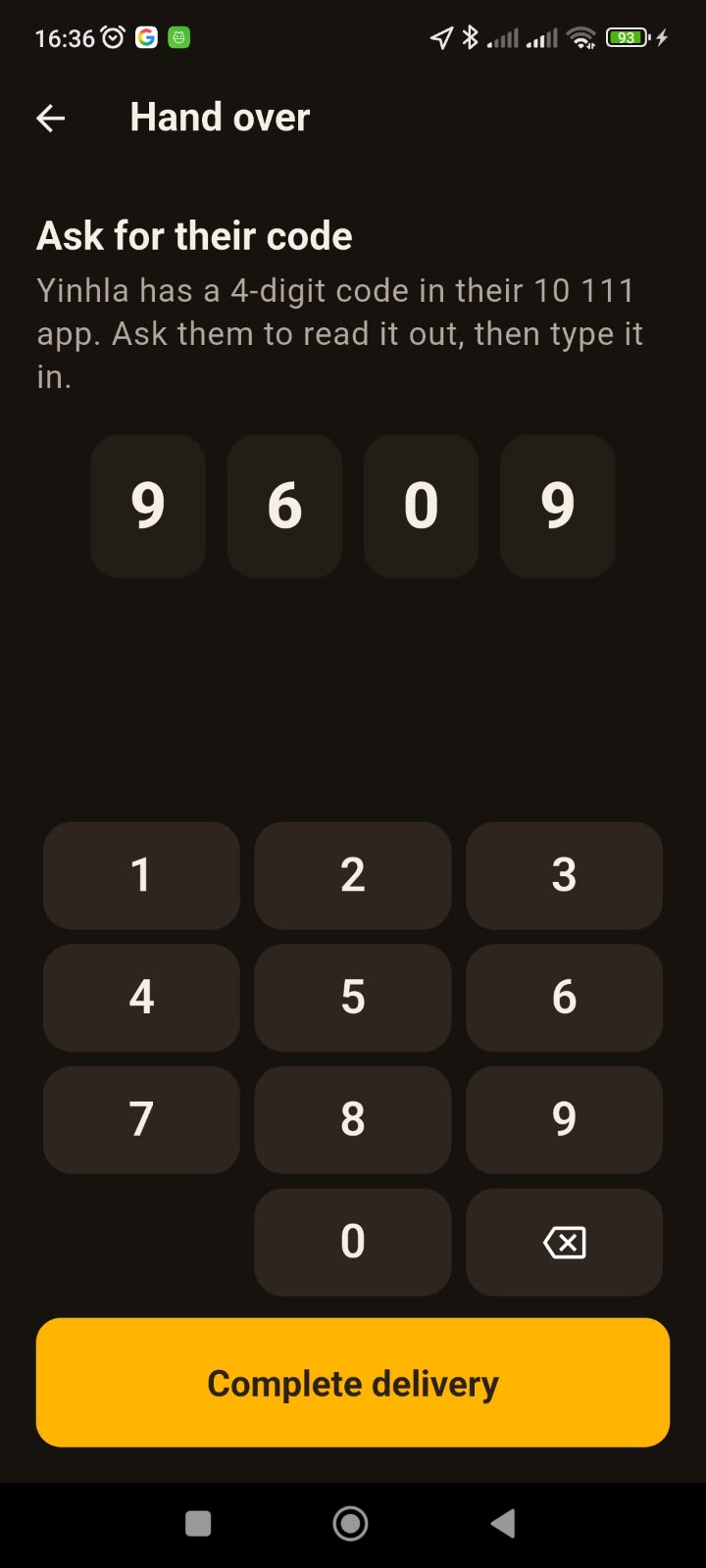
An interactive sample using made-up data. Switch between groceries and restaurants, step through an order, then play the driver and type the customer’s code.
Type the 4 digits the customer reads out.
Delivery and service fees are part of the total you see before you pay. Nothing is added afterwards.
For groceries, your shopper proposes a swap and you choose: accept it, or take a refund for that item. A cheaper swap refunds the difference; a dearer one costs you nothing extra.
Refunds go back to the card you paid with. See the table above, or the refund policy for details.
Yes. Groceries can be cancelled for free until a shopper starts. Restaurant orders can be cancelled for free until the kitchen accepts.
Age-restricted products are clearly marked in the app.
You pay on Paystack’s secure payment page, by card.
We are launching soon. Join the waitlist above and we’ll tell you when we reach your area.
Email support@7stack.co.za.